
You can just talk to it.
If typing on a phone feels slow and fiddly, skip it. Every major AI app has a voice mode — you talk, it talks back. Here's how to set it up in 3 minutes.
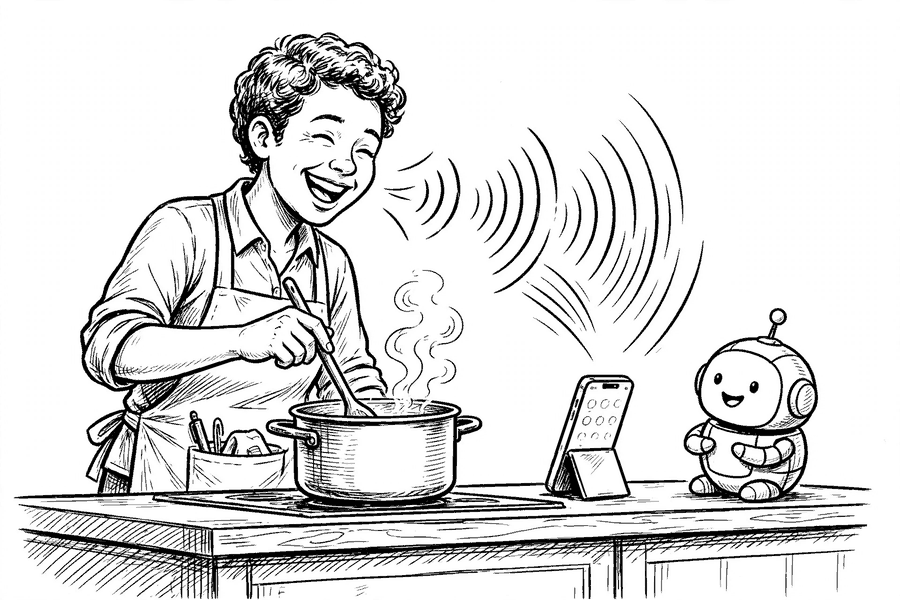
The biggest myth about AI tools is that you need to be good at writing "prompts." You don't. You can literally talk to them the way you'd talk to a helpful person on the phone — rambling, half-formed thoughts and all. If you can leave a voicemail, you can use AI.
The setup (3 minutes)
Install the ChatGPT app on your phone
Open the App Store (iPhone) or Play Store (Android), search for "ChatGPT" — the one by OpenAI — and install it. It’s free.
Sign in with the account you already have
Tap "Continue with Google" or "Continue with Apple." No new password to remember.
Tap the microphone-in-circle icon
It’s next to the message box. The first time, allow microphone access. Then just start talking. Say "stop" or tap the screen when you’re done.
That's it. There is no step 4. The same feature exists in the free Google Gemini app and Microsoft Copilot app if you prefer those.
Five things to try saying today
Say these out loud, in your own words. Rambling is fine — it will figure out what you mean.
I've got chicken thighs, half a bag of spinach and some rice. The kids won't eat anything spicy. What can I make in under 30 minutes? Talk me through it while I cook.
I just got a letter from my bank and I don't understand it. I'm going to read it to you. Tell me in plain English what it means and whether I need to do anything.
My husband says you shouldn't rinse mushrooms and I say it doesn't matter. Who's right?
I need to text my sister that we can't come to lunch on Sunday, but I don't want her to be hurt. Give me a couple of ways to say it, then read them to me.
Explain how superannuation actually works like I'm completely new to it. Keep it short, and let me interrupt with questions.
Why voice beats typing for beginners
Three reasons. First, you can't make a typo when you talk. Second, you naturally include context when speaking — the details that make answers useful. Third, conversations flow: you hear the answer, ask a follow-up, and refine. That back-and-forth is exactly how these tools work best, and it feels awkward in text for many people but completely natural out loud.
Two things to know:
• Voice mode needs an internet connection — Wi-Fi or mobile data.
• Don't say private details out loud you wouldn't type — account numbers, passwords, or other people's personal information stay out of any AI chat, spoken or typed.
The habit that makes it stick
Pick one recurring moment — the drive home, cooking dinner, the walk with the dog — and make that your "ask the AI" time for a week. One real question a day. By day seven it stops feeling like technology and starts feeling like a very patient, very well-read friend.
Free newsletter
Get guides like this in your inbox
Practical AI for parents, teachers, and everyday people. Copy-paste ready. Always free.