
Your new IT department is free and never sighs at you.
Printer won't print? Wi-Fi dropping? Mystery pop-up? Stop waiting for your nephew to visit. AI walks you through fixes step by step, at your pace.

Most tech problems don't need a technician. They need someone patient who asks the right questions and gives you one step at a time. That is exactly what AI is good at — it never gets frustrated, never talks down to you, and never makes you feel silly for asking.
The magic sentence
The trick to getting good tech help from AI is one sentence at the start:
I'm not technical. Give me one step at a time, tell me exactly what to click or press, and wait for me to confirm before the next step.
That single instruction transforms the answers from a wall of jargon into a guided walkthrough.
The template for any tech problem
I'm not technical. Give me one step at a time, tell me exactly what to click or press, and wait for me to confirm before the next step.

My device: [e.g. Windows 11 laptop / iPhone 14 / iPad]
The problem: [e.g. the printer says offline but it's plugged in and turned on]
When it started: [e.g. yesterday, after a Windows update]
What I already tried: [e.g. turning it off and on]
Exact error message, if any: [type it word for word, or say "no error message"]
The error message matters most. Type it exactly as it appears, even if it looks like nonsense to you — "Error 0x80070005" gives the AI a strong clue to narrow down what's wrong.
Even easier: take a photo of the problem
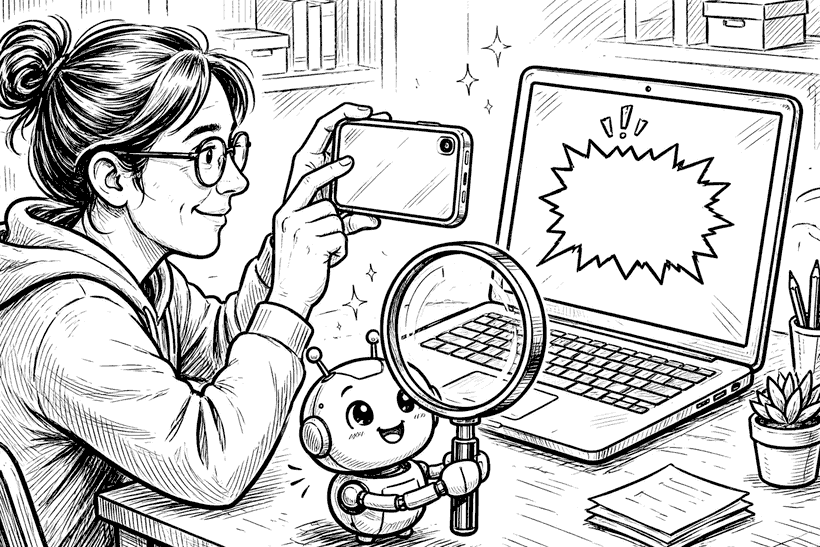
In the ChatGPT or Gemini app, tap the + icon (Add photos & files in ChatGPT, Add Files in Gemini), choose Camera, and photograph the error on your screen. Then type: "What does this mean and how do I fix it? I'm not technical." No transcribing needed.
Real examples that work
I'm not technical. My Wi-Fi keeps dropping out in the evenings but works fine in the morning. I have Netflix, two phones and a laptop connected. One step at a time, how do I figure out what's wrong?
I’m not technical. My iPhone says "Storage Almost Full" but I don’t want to lose my photos. One step at a time, what should I do?
I'm not technical. My Windows laptop takes about five minutes to start up and everything is slow. It's four years old. One step at a time, walk me through making it faster before I give up and buy a new one.
When NOT to trust the answer
Stop and get human help when:
• The fix involves paying anyone, sharing passwords, or letting someone control your screen remotely. AI will never ask for these — but scammers posing as "tech support" always do.
• It suggests deleting things and you're not sure what they are. Ask "what happens if this goes wrong?" first.
• The device is under warranty. Ask the AI: "Could opening or modifying this void my warranty?"
The confidence shift
The first time you fix something yourself — even something small — the fear goes away. Tech problems stop being emergencies and become puzzles you know how to approach: describe it clearly, one step at a time, confirm before the next. That's the whole skill.
Free newsletter
Get guides like this in your inbox
Practical AI for parents, teachers, and everyday people. Copy-paste ready. Always free.